0
  • Home
  • About
  • Shop
  • Buyer Centre
  • Contact Us
  • Login
  • Home
  • /
  • Hdmi Cables
  • /
  • How to cancel an order
  • 06/06/2021
  • Jim Wang
  • No Comments on How to cancel an order

How to cancel an order

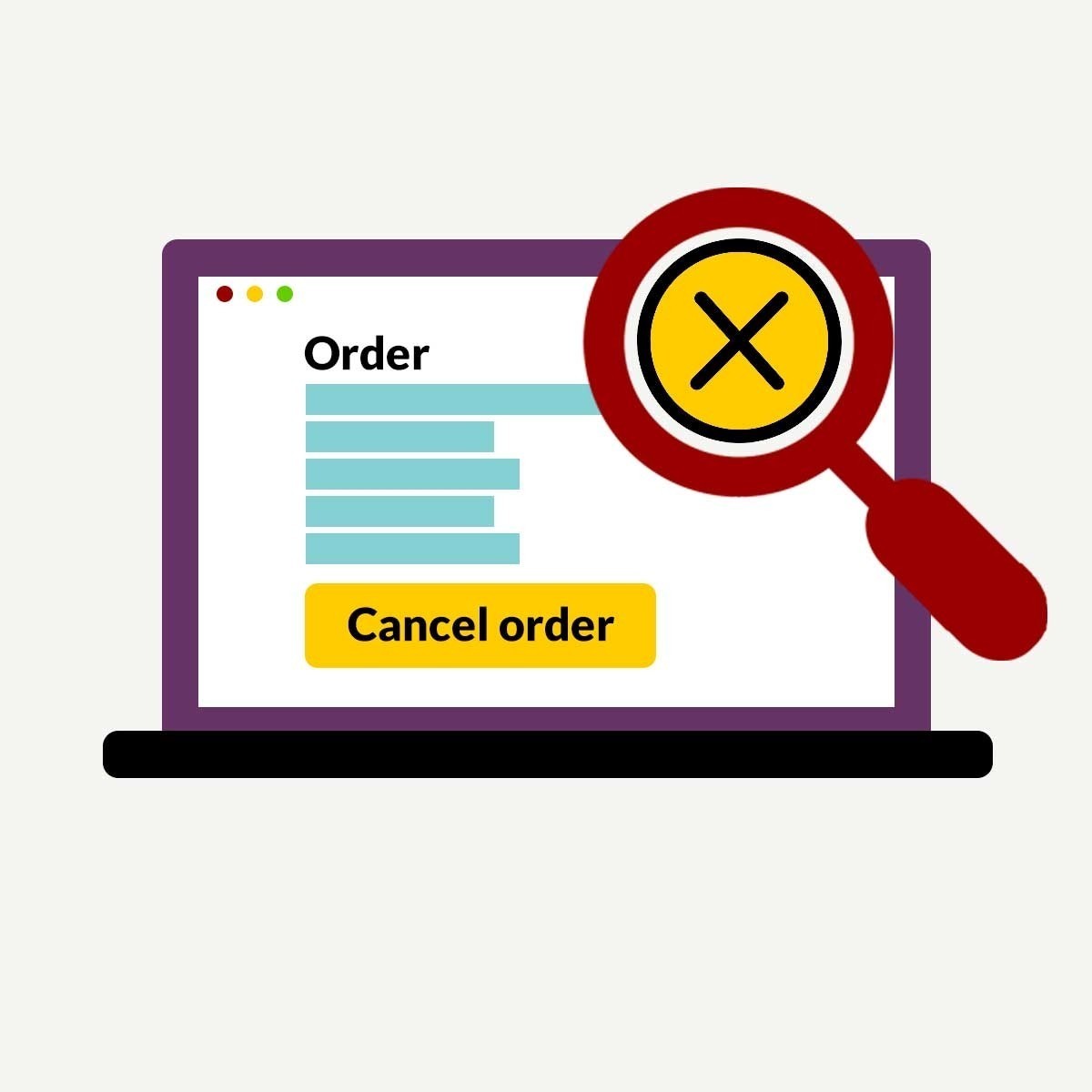
  1. Go to My Account and find the order you want to cancel.
  2. Under Actions and select Cancel.
  3. If we have not sent the item yet, you have cancelled your order yourself. We’ll send a confirmation of cancellation to your registered email address, you will get full refund within 24 hours.
  4. If you need to cancel an order, let us know as quickly as possible. If we have already sent your order, we won’t be able to cancel it.

  • Share :
prev post next post

Related Posts

Tracking your Item

07/06/2021

Returns & Refunds

07/06/2021

Leave a comment Cancel reply

Your email address will not be published. Required fields are marked *

eighteen − 8 =

Recent Posts

  • Best MTB wheelsets upgrade: Get the biggest bang for your buck
  • Tracking your Item
  • Returns & Refunds
  • How to cancel an order
  • Bike Assembly Guide – Boxed Bicycle

Recent Comments

    Search

    Recent Posts

    • Best MTB wheelsets upgrade: Get the biggest

      September 26, 2022
    • Tracking your Item

      June 7, 2021
    • Returns & Refunds

      June 7, 2021

    Categories

    • Bags
    • Kişisel Bilgisayar
    • Oppo Battery

    Archives

    • September 2022
    • June 2021
    • May 2021

    Tags

    refund return Tracking

    Services

    • 30 Day Return
    • Fast Delivery
    • Product Tracking
    • Free Support

    Support

    • Full Refund
    • Order Details
    • Order Slips
    • Shipping Details
    • Parts & Tools

    Account

    • My account
    • Wishlist
    • Cart
    • Checkout
    • Shop

    Copyright © 2026 Ozanda Bicycles. All Rights Reserved. Do Not Sell My Personal Information